The advantages of having website accessibility to users are enormous. From a humane standpoint, making your website accessible is essential because it ensures that persons with impairments and other diverse groups are not excluded. Inaccessible websites can create barriers that exclude people, especially those with disabilities, from accessing online content and services. By promoting website accessibility, you actively support social inclusion, enabling equal participation and integration for everyone.
Website accessibility also promotes equal opportunities for all users by supporting non-discrimination and fair access, as emphasized by legal frameworks and legislation designed to ensure everyone can benefit from digital experiences.
Of course, there are several advantages to boosting accessibility on your website. Most importantly, it immediately broadens your target audience.
Introduction to Website Accessibility
Web accessibility is the practice of designing and developing websites and web applications so that people with disabilities can perceive, understand, navigate, and interact with web content. This includes users with visual, auditory, motor, and cognitive disabilities, ensuring that everyone has equal access to the information and services available on the world wide web. The World Wide Web Consortium (W3C) has established the Web Content Accessibility Guidelines (WCAG) to set a global standard for web accessibility. These guidelines help website owners and developers create accessible websites that meet the needs of all users, regardless of their abilities.
Making your website accessible is not just about compliance—it’s about social responsibility and inclusion. Incorporating inclusive design principles into your website development, processes, and organizational policies is essential for creating accessible and user-friendly digital experiences that accommodate all users, including those with disabilities. Organizations should embed accessibility by integrating standards like WCAG directly into their web development and design workflows, ensuring accessibility is built into every stage and enhancing usability for all users. Equal access to communication technology is a fundamental right, and web accessibility ensures that people with disabilities are not excluded from the digital world. In many countries, laws such as the Americans with Disabilities Act (ADA) and the European Accessibility Act (EAA) require public and private sector websites to meet specific accessibility guidelines. By following these standards, you not only fulfill legal requirements but also expand your reach and demonstrate your commitment to accessibility and inclusion.
How Passionates Approaches Website Accessibility
At Passionates, we integrate accessibility into every aspect of our design, development, and optimization work. Our subscription-based model means accessibility isn’t treated as a separate project—it’s embedded in our process from day one.
Our Optimize tier ($10,000/month full-time; $6,000/month part-time) combines senior UX researchers and CRO specialists who conduct comprehensive accessibility audits alongside conversion optimization. This integrated approach ensures your site is both accessible and high-performing, with typical delivery timelines of 1-3 working days per request—compared to 2-4 weeks with traditional agencies.
Through our proprietary Crolytics.ai platform, we analyze how accessibility improvements impact conversion rates, providing data-driven insights that connect compliance with business outcomes. For organizations requiring rapid, enterprise-scale implementation, our model allows you to stack multiple resources—deploying five or more senior specialists simultaneously to accelerate accessibility overhauls that might otherwise take months.
Why Accessibility Matters
1. Expand your audience
Firstly, according to the World Health Organization, around 15% of the world population has some level of disability. Thus, you can dramatically increase your prospective user base by improving your website accessibility and allowing additional users to utilize your site. Enhancing website accessibility ensures that digital content is usable by the general public, not just those with disabilities. Ensuring accessibility across different devices and platforms further maximizes your reach and fosters inclusion for all users. This is a great chance to put yourself ahead of your competitors, stand out and gain a competitive advantage, as, according to WebAim, 98% of the world’s top million websites don’t offer full accessibility.
2. Improves the user experience
Secondly, through implementing the required accessibility improvements, you help all of your visitors: not just those that meet the categories we described before. Many factors that go into improving website accessibility will also help you enhance its overall design and user experience. By applying universal design principles, you ensure your website is usable by people of all abilities.
3. SEO
Additionally, Google’s Core Web Vitals update demonstrates that user experience metrics like page speed, stability, and interactivity directly impact search rankings. Accessibility improvements—such as proper heading structure, keyboard navigation, and semantic HTML—contribute to better Core Web Vitals scores and overall SEO performance. Modern analytics platforms like Google Analytics 4 (GA4) now provide enhanced user journey tracking that helps identify accessibility-related drop-off points, while testing platforms like VWO and Optimizely enable you to A/B test accessible design variations to measure both compliance and conversion impact.
4. Follow regulations
Finally, it’s worth noting that many states have regulations governing web accessibility, and you may be legally obligated to comply with certain website accessibility standards. In the United States, the Americans with Disabilities Act (ADA) requires both public and private entities to make their websites accessible, and ADA Title III specifically applies to private sector businesses and public accommodations, including websites. Title III of the ADA enforces accessibility for online services and digital content, preventing discrimination against people with disabilities. Additionally, the Rehabilitation Act, specifically Section 508, mandates that federal agencies and federal employees have accessible electronic and information technology. The U.S. Access Board is responsible for developing and maintaining accessibility standards for federal government websites and digital services, and the federal government enforces accessibility requirements for its own websites and those of organizations receiving federal funds. Federal funds are often tied to compliance with accessibility standards for government websites and public sector websites.
Across Europe, the European Commission plays a key role in developing and implementing web accessibility legislation, including the adoption of the european standard EN 301 549 and the European Accessibility Act (EAA). These efforts help harmonize accessibility requirements for public sector websites and digital services across member states. Information technology accessibility is mandated by various national and regional laws, which often reference international guidelines like WCAG. It is essential to embed accessibility into the development process to ensure compliance with these legal and regulatory requirements.
On this note, it’s important to mention that since 1997, the Web Accessibility Initiative has been trying to enhance several website accessibility standards. You can find Web Content Accessibility Guidelines on their website, generally known as WCAG. These recommendations detail the measures you may take to improve the usability of your website. Similarly, WordPress has its own Make WordPress Accessible team dedicated to making your platform more accessible.
Authoring Tool Accessibility
Authoring tools are the backbone of web content creation, and their accessibility is crucial for building inclusive digital experiences. The Authoring Tool Accessibility Guidelines (ATAG) set out by the W3C provide a roadmap for making these tools accessible to people with disabilities. When authoring tools follow these guidelines, they empower all users—including those with disabilities—to create, edit, and manage web content without facing accessibility barriers.
Key features of accessible authoring tools include built-in accessibility checkers, support for adding alternative text to images, and the ability to generate semantic markup that aligns with accessibility standards. These features help developers and content creators identify and address potential accessibility issues during the development process, making it easier to produce accessible web content from the start. By choosing authoring tools that comply with ATAG, organizations can reduce the risk of accessibility problems, ensure their web content meets accessibility requirements, and foster a more inclusive digital environment for everyone.
Automated Tools for Accessibility
Automated tools are invaluable in the journey toward accessible websites, helping developers quickly identify and fix accessibility issues that might otherwise go unnoticed. These tools can scan web pages for common accessibility barriers, such as missing alternative text, insufficient color contrast, and inaccessible interactive elements. By generating detailed reports, automated tools make it easier for developers to pinpoint and address specific accessibility problems in their web content.
While automated tools can significantly streamline the process of making web content accessible, they are not a complete solution. Some accessibility issues require human judgment and user testing to detect, especially those related to user experience and compatibility with assistive technologies. Therefore, the best approach combines automated tools with manual evaluation and user testing, ensuring that web pages are truly accessible to people with disabilities. By leveraging both automated and human-driven methods, website owners can fix accessibility issues more effectively and create a more inclusive web for all users.
Assistive Technologies and Accessibility
Assistive technologies are essential for enabling people with disabilities to access and interact with web content. Tools such as screen readers, keyboard-only navigation, and speech recognition software help users overcome barriers that might otherwise prevent them from using websites and online services. For web developers, ensuring compatibility with assistive technologies is a key part of meeting web content accessibility guidelines and providing equal access to information and services.
The Web Content Accessibility Guidelines (WCAG) outline best practices for making web content accessible to assistive technologies, including providing alternative text for images, using semantic markup, and ensuring full keyboard navigation. In addition to following these guidelines, developers should conduct user testing with people who rely on assistive technologies to identify and resolve any remaining accessibility issues. This hands-on approach helps ensure that web content is not only technically compliant but also genuinely usable for people with disabilities. By prioritizing compatibility with assistive technologies, organizations can deliver accessible, inclusive digital experiences that empower all users to participate fully in the digital world.
10 Ways to Make Your Website Accessible
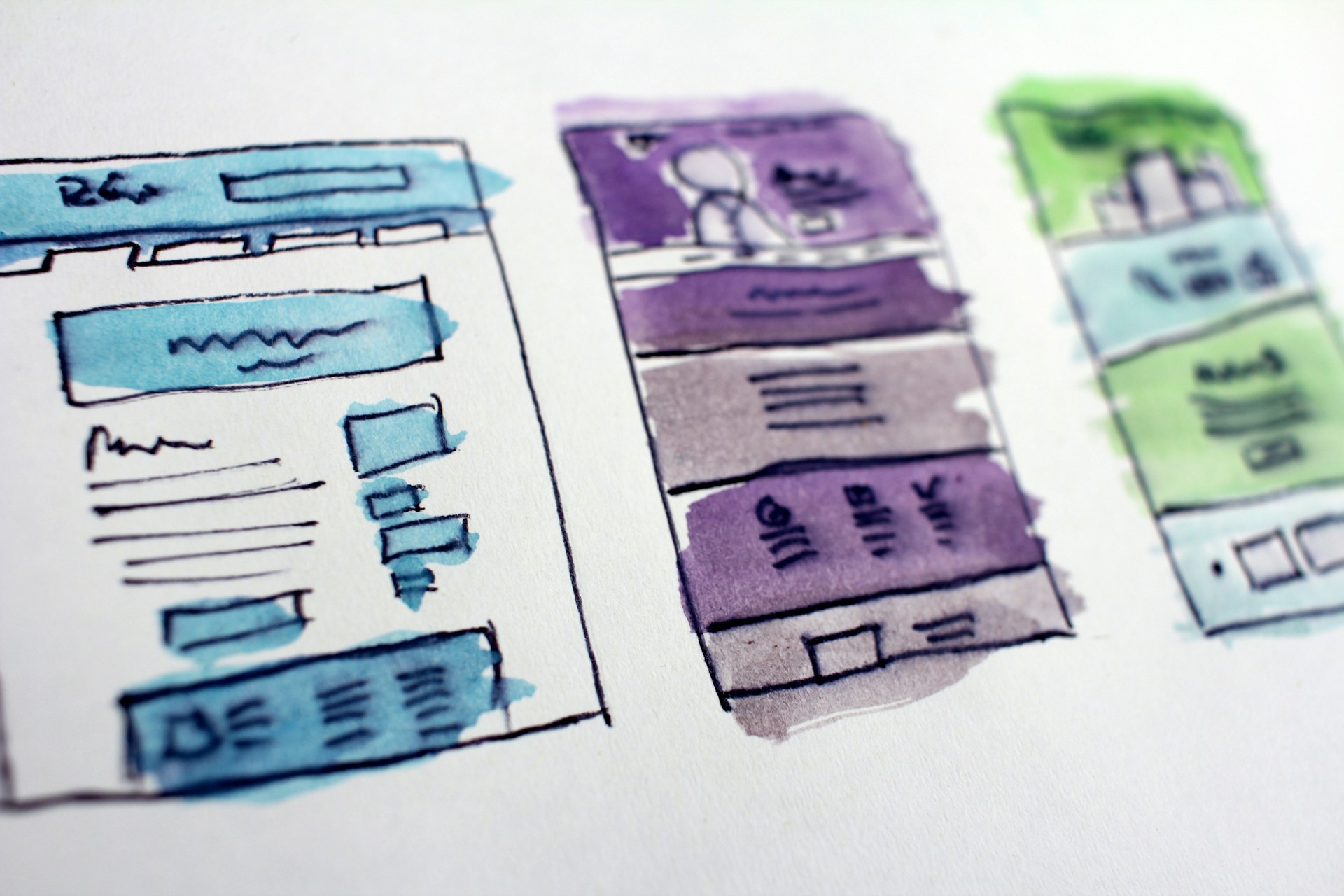
Before diving into specific techniques, it’s essential to select a CMS that supports accessibility from the ground up. The three platforms we work with most frequently— WordPress, Shopify, and Webflow—each offer robust accessibility features when properly configured:
WordPress, Shopify, and Webflow comparison:
- WordPress provides extensive accessibility-ready themes and plugins, with built-in support for ARIA landmarks and semantic markup
- Shopify offers accessible themes and checkout experiences, critical for e-commerce compliance
- Webflow enables precise control over semantic HTML and ARIA attributes through its visual development interface
While examples in this article reference multiple platforms, the principles apply universally. At Passionates, our senior developers are experts across all three CMS platforms, ensuring accessibility best practices are implemented regardless of your technology stack.
Accessibility best practices apply not only to websites but also to other web products, such as web applications and digital services. Organizations are responsible for ensuring their own websites comply with accessibility standards. Now, let’s dive into the techniques we recommend employing to make your website more inclusive and accessible.
1. Make Sure Your Site Is Keyboard-Friendly
Making your website keyboard-friendly is one of the most prominent parts you should consider. In short, to be accessible, a website must function without using a mouse. This is because many assistive devices rely solely on keyboard navigation. Effective keyboard access is essential for users who rely on assistive technologies and is a key indicator of website accessibility. Thus, it is vital to ensure that all of your website’s essential elements, including pages, links, and content, are accessible solely through a keyboard.
The Tab key is the most frequent way to navigate using a keyboard. This toggles between the elements of your page that can be keyboard-focused, such as links, forms, and buttons. Therefore, if you want to make your website more accessible, making sure that “Tab” can navigate around your online content should be one of your primary objectives.
If you are interested in testing your website’s accessibility in terms of “Tab”, then simply visit your website without using a mouse. If you can’t access particular components or are having trouble navigating through solely using your keyboard, you should locate the problem and fix it.
2. Make Sure All Content Is Easily Accessible
Moreover, checking that all material on your website is accessible, in addition to making your site keyboard-friendly, will help out. This can especially become a problem when your page is full of dynamic content.
In a nutshell, content is dynamic if it can change on its own, without refreshing the page. It isn’t necessarily a bad thing. However, it can pose a problem when the website does not notify assistive tools about the change. Many screen readers, for example, will only “read” a webpage as it appears when it first loads. Thus considering the potential difficulties and inconveniences it might cause, you should notify when something changes. Otherwise, your users won’t keep pace with the new material.
Using ARIA landmarks is one method to do this. ARIA stands for Accessible Rich Internet Applications, and WAI-ARIA specifications are designed to ensure dynamic and complex web components are perceivable and operable by assistive technologies. In other words, ARIA landmarks are tags you apply to your content to define them on your homepage. So, you can tag your website’s dynamic content as a “live region”, thus letting screen readers and various assistive technologies interpret and understand the content as it changes.
ARIA is also significant for making navigation easier since it allows users to jump right to the material they want. They won’t have to go through every menu item to get to your primary content, and users will be able to skip other link-heavy areas.
Although skip-to-main links, also known as invisible links that allow users to skip menus, can have the same result, ARIA is more adaptable and efficient. It’s also worth mentioning that ARIA landmarks are automatically included in all WordPress themes that use the accessibility-ready tag. Additionally, it’s important to ensure your website’s accessibility features are aligned with the current version of accessibility guidelines, such as WCAG 2.2, to maintain compliance and provide the best possible experience for all users.
Ensure Mobile Accessibility
With mobile devices accounting for 50-70% of web traffic (and higher for e-commerce), mobile accessibility is non-negotiable. Mobile users face unique accessibility challenges:
Touch Target Sizing:
- Minimum touch target size: 44×44 pixels (WCAG 2.1 Success Criterion 2.5.5)
- Adequate spacing between interactive elements to prevent mis-taps
- Especially critical for users with motor impairments or larger fingers
Mobile Screen Reader Optimization:
- iOS VoiceOver and Android TalkBack have different behaviors than desktop screen readers
- Test swipe gestures and touch-based navigation patterns
- Ensure form fields are properly labeled for mobile autofill
Responsive Accessibility:
- Content reflow must maintain logical reading order at all viewport sizes
- Hidden navigation menus must be keyboard and screen reader accessible
- Pinch-to-zoom must not be disabled (avoid `user-scalable=no`)
Mobile-Specific Considerations:
- Reduce cognitive load with simplified navigation on small screens
- Ensure sufficient color contrast in bright outdoor conditions
- Optimize page load times for users on slower mobile connections
E-commerce Impact: For Shopify and other e-commerce platforms, mobile accessibility directly impacts conversion rates. Our data shows that accessible mobile checkout flows convert 25-35% better than non-accessible equivalents, with particularly strong impact on older demographics (55+) who represent significant purchasing power.
3. Be Careful With Colours
Colour blindness is frequently interpreted as a black-and-white issue. However, various individuals interpret colours in different ways – remember The Dress? Thus, ensuring that the colours you choose for your website contrast effectively, enabling everyone to identify between the various items on the page, is of utmost importance to website accessibility standards.
The most immediate concern is ensuring that your text is visible against the dark backdrop of your website. For instance, you can set a dark hue over a bright background and make sure they never bleed into one another.
Let’s assume you wish to go with an orange theme. Ideally, you should avoid developing a palette with colours too close in shade and saturation. Otherwise, you will get something similar to this:
Moreover, you may select and test colour combinations using various internet tools. We would recommend Contrast Checker and WebAIM, both of which provide you with a score in real-time. WebAIM even allows the users to switch to monochrome to obtain a general notion of how successful every specific combo is.

4. Use The Right Heading Tags
Another crucial step in making your site more accessible is structuring your information using headers. This will improve the flow of your text and make it much easier to grasp and consume. Providing clear instructions along with well-structured headings helps users, especially those with disabilities, navigate and understand the content more easily.
Clear headers also aid screen readers in interpreting your pages. This makes providing in-page navigation much more accessible. It’s simple to implement because all you have to do is ensure your content has the appropriate heading levels.
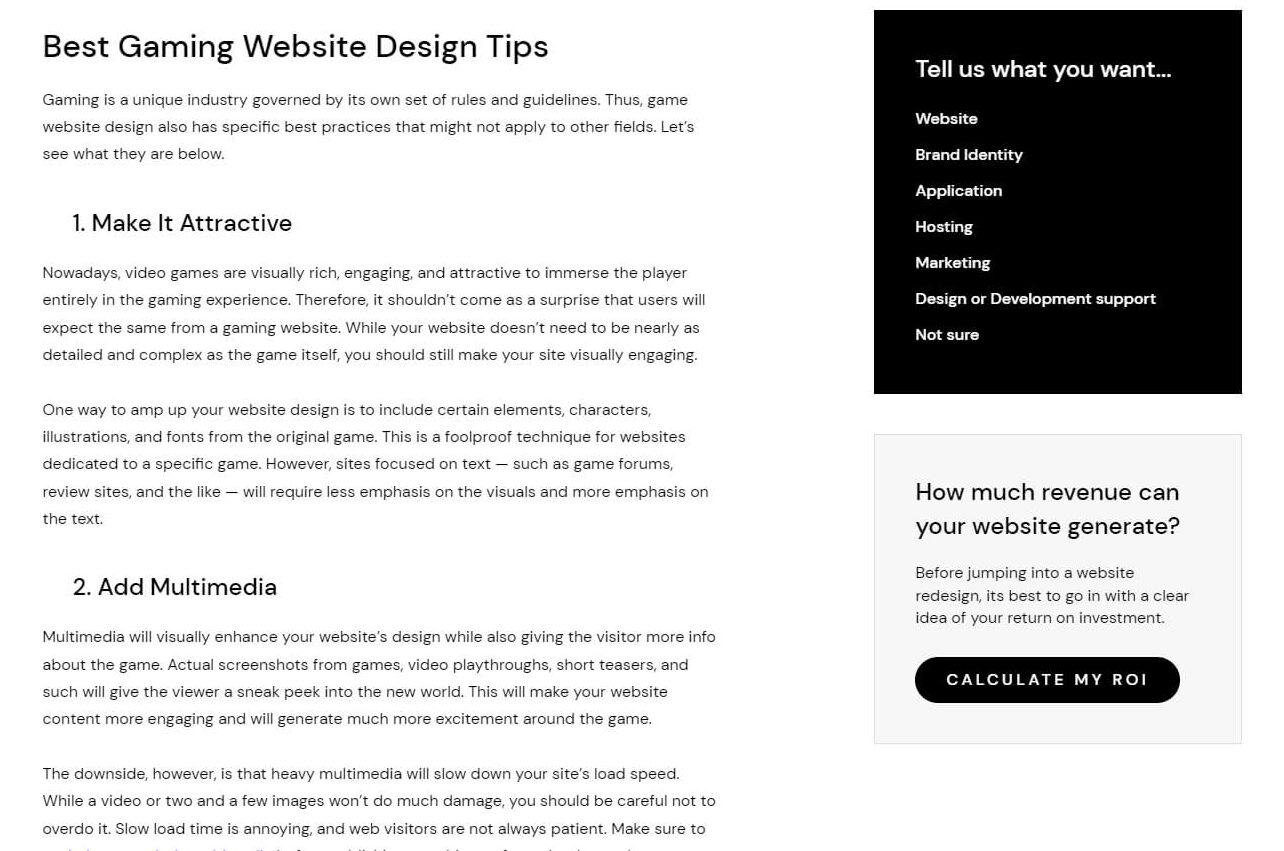
For example, just one H1 should be used on every page, generally as the page title. In short, your content should be structured by nested subheadings beginning with H2 and gradually decreasing to H3 and so on. To be more precise, you should never use an H1 after an H3 since they should always be used in the right order (See the example below).
5. Design Your Forms for Accessibility
Forms are, indeed, a great feature to add to most websites, but they must be built properly. Appropriately labelling each field is essential. Accessible form field design is crucial—ensure each form field has a clear label, supports keyboard navigation, and provides error identification to help all users, including those with disabilities. Putting the labels next to the relevant fields is also a good idea. While a sighted visitor can link a label to the matching field without any difficulties, people using screen readers may not be able to do so.
6. Use Tables Only for Tabular Data
Tables can help display data. They make parsing enormous amounts of data considerably easier for all users, even those who require assistive technologies and devices. However, making your tables as simple as possible is essential to get the most out of them.
First and foremost, ideally, you should use tables for tabular data only. In short, avoid using tables for layouts, lists, or any other purpose, since screen readers and other similar technologies may be confused by this.
If you need to develop more complicated tables, you can use W3’s instructions. These instructions will help you learn how to code a table while adhering to accessibility guidelines.
7. Implement Resizable Texts Without Breaking Your Website Design
Users with visual impairments can benefit from the option of resizing text on most devices and browsers. On the other hand, resizing text might ruin your design if you don’t develop it to go hand in hand with this feature.
For instance, we would recommend avoiding absolute units, such as defining font size in pixels and points. Instead, according to WebAim, it is better to use relative units to define your font sizes. Those include percentages and ems, which give you freedom when changing the visual presentation with CSS. Moreover, it’s also a bad idea to disable user scalability because it makes it harder for users to resize the text in general.
To make sure your site satisfies these website accessibility standards and your text doesn’t become ineligible after enlarging it, increase the zoom level in your browser and test your font sizes. If you discover that your materials become difficult to read or navigate, have a look at these WebAIM guidelines on font sizes.
8. Add Alt Text to All Images
Besides being a replacement for images when they fail to load, alt texts are used by Screen readers to “read” the images as well. Therefore, you may use this field to describe a picture, providing context to people who might otherwise be unaware of it. In addition to using alt text for images, it is also essential to provide captions for audio and video content to ensure website accessibility for all users.
Using alt text on your images not only improves the user experience but may also help you with image SEO. While image recognition technologies have improved over time, search crawlers still can’t “see” the images on a website page as people can, so it’s not a good idea to completely rely on them for interpretation. Thus writing informative explanations for each image and using keywords whenever possible would be a great idea. Below you can find a website accessibility example for Alt texts:
Good: < img src=”theoffice.jpg” alt=”Michael The Office”> Better: < img src=”theoffice.jpg” alt=”Michael Scott from The Office”> The one: < img src=”theoffice.jpg” alt=”Michael Scott from The Office makes a weird face”>

9. Avoid Automatic Media and Navigation
Not only annoying to all visitors, automatically playing media and video content pose an issue in terms of accessibility.
Firstly, finding out how to switch off the media might be challenging while using a screen reader. Secondly, users may be confused or disturbed by the sudden noise. So, avoiding items and elements that start without the user’s permission would be a good decision.
Moreover, automatic navigation, such as carousels and sliders, should also be avoided. Ultimately, this is because wasting extra time to understand all the information before sliding into subsequent sections can be very annoying. Accessible design ensures compatibility with screen readers and other devices used by people with disabilities, helping to remove barriers and provide a better experience for all users.
10. Implement Accessible AI & Automation
As AI-powered features become standard on modern websites—chatbots, personalization engines, recommendation systems—ensuring these technologies are accessible is critical.
Accessible Chatbot Design:
- Ensure chatbot interfaces are keyboard navigable and screen reader compatible
- Provide text alternatives for voice-based interactions
- Allow users to control conversation pace (no forced timeouts)
- Offer escalation to human support when AI cannot assist
AI-Powered Personalization:
- Ensure personalized content respects user accessibility preferences
- Don’t override user-selected font sizes, color schemes, or contrast settings
- Provide opt-out mechanisms for users who prefer standard experiences
Automated Content Generation:
- AI-generated content must meet the same accessibility standards as human-created content
- Automatically generated alt text should be reviewed for accuracy and context
- Dynamic content updates must use ARIA live regions appropriately
Passionates Innovate Tier: Our $12,500/month Innovate subscription includes AI engineers who specialize in accessible AI implementation—from chatbots to personalization engines to automated customer journeys. We ensure your AI-powered features expand access rather than create new barriers, with implementations that meet WCAG 2.2 standards while delivering measurable business results.
Common Accessibility Mistakes
Even with the best intentions, many websites fall short of being fully accessible due to a handful of common mistakes. One frequent oversight is neglecting to provide alternative text for images, which leaves screen reader users without crucial context and information. Relying solely on color to convey meaning is another pitfall, as it can exclude users with color vision deficiencies from understanding important content or actions.
Other typical errors include failing to offer closed captions for audio and video content, making it difficult for users who are deaf or hard of hearing to engage with multimedia. Navigation menus that are not accessible via keyboard, or forms that lack proper labeling and instructions, can also create significant barriers for people with disabilities. These issues can make websites frustrating or even impossible to use for many users.
To avoid these mistakes, website owners and developers should prioritize accessibility from the start, regularly review their sites for potential issues, and ensure that all users—including those with disabilities—can access and interact with their content. By addressing these common pitfalls, organizations can create more accessible, user-friendly websites that serve everyone.
Website Accessibility Audits
Conducting regular website accessibility audits is a vital step in ensuring your site remains accessible and compliant with current accessibility standards. An accessibility audit involves a thorough evaluation of your website’s content, structure, and interactive elements to uncover any barriers that might prevent people with disabilities from accessing your services.
The audit process typically combines automated tools—which can quickly scan for common accessibility issues—with manual testing, including user testing with assistive technology like screen readers. This dual approach helps identify both technical and experiential accessibility problems that automated tools alone might miss. The findings from an audit provide a clear roadmap for fixing accessibility issues, whether they involve code adjustments, content updates, or design changes.
Regular accessibility audits not only help maintain equal access for all users but also reduce legal risk by ensuring compliance with regulations such as the Americans with Disabilities Act (ADA) and the European Accessibility Act. By making audits a routine part of your website’s maintenance, you demonstrate a commitment to digital accessibility and create a more inclusive online experience for everyone.
Ensuring Ongoing Accessibility
Achieving accessibility is not a one-time project—it’s an ongoing commitment that should be woven into every aspect of your website’s development process. To ensure your site remains accessible, it’s important to integrate accessibility best practices into all new content, features, and updates from the outset. This proactive approach helps prevent accessibility issues before they arise and ensures equal access for people with disabilities.
Regularly reviewing and updating your website is key to maintaining accessibility over time. Providing ongoing training and resources for your team ensures that everyone involved in your website’s development and maintenance understands the latest accessibility requirements and standards. Establishing clear channels for user feedback—especially from users with disabilities—can help you quickly identify and address new accessibility issues as they emerge.
By embedding accessibility into your organization’s culture and values, and by dedicating the necessary resources to support it, you can create websites that are not only compliant but also genuinely inclusive. This ongoing focus on accessibility benefits all users, strengthens your brand reputation, and ensures your digital services remain accessible to everyone, now and in the future.
Final Thoughts
In this article, we have discussed why making your website comply with website accessibility standards is essential and provide you with a handy guide including nine ways to make it more accessible. These standards are specifically designed to ensure equitable access for disabled persons, supporting digital inclusion and compliance with legal frameworks. However, while current guidelines like WCAG are comprehensive, there are ongoing concerns about whether they sufficiently address the needs of users with learning disabilities and cognitive limitations. Of course, all this is peppered with relevant website accessibility examples to make this journey much easier for you.
Overall, you should make sure your website is accessible to as many individuals as possible. Once you have built an accessible website, not only will your users appreciate it, but you’ll most likely experience improved traffic and conversion rates, too. All that is because the tools and techniques employed to enhance accessibility are also quite useful for your overall user experience and SEO.
Whether you’re addressing immediate compliance needs or building long-term accessibility capabilities, Passionates can help. Our subscription model provides flexible, scalable access to senior specialists across design, development, UX research, CRO, and AI—ensuring accessibility is integrated into everything you build.
Schedule a 30-minute accessibility consultation to discuss your specific needs and explore how our Optimize or Innovate tiers can accelerate your accessibility journey.