Finding the best payment processing for small business can be a game-changer. Whether you’re a brick-and-mortar shop or an online retailer, the right payment processor can streamline your operations, enhance customer satisfaction, and ultimately boost your bottom line by accepting in-store and online credit card payments. But with so many options available, how do you choose the right one?
Our comprehensive guide offers a straightforward evaluation of the leading payment processing providers. We break down the essential aspects, such as fees, user-friendliness, and the advantages and disadvantages, to help you make an informed decision that aligns perfectly with your business needs.
Understanding the Best Payment Processing for Small Businesses
At its core, payment processing is the management of financial transactions, specifically credit card and debit card payments. The process is facilitated by payment processors, which establish connections between merchants, banks, card networks, and other entities to enable secure and effective payment transactions. From the moment a customer swipes, inserts, or taps their card to the moment the funds reach your bank account, the payment processor is hard at work, ensuring a seamless transaction.
As the backbone of commerce, payment processors support businesses of all sizes to accommodate their customers’ payment preferences. To maintain their competitive edge, businesses must have a robust payment processing system in the current highly competitive landscape.
The role of payment processors
Payment processors bridge the gap between businesses and customers, facilitating transactions by transferring funds from the customer’s bank or credit card account to the merchant’s account. But that’s not all they do. Payment processors also equip businesses with various sales tracking and transaction reconciliation reporting tools. This is particularly advantageous for businesses that accept debit cards, allowing them to cater to a broader range of customers and their preferred payment methods.
When setting up merchant accounts, it’s important to understand the difference between dedicated (own merchant account) and shared merchant accounts. A dedicated merchant account, or own merchant account, is tailored specifically to one business and provides more control over transaction processing and branding. This type is typically used by larger businesses with higher processing volumes, as it can offer lower transaction fees and direct fund deposits. In contrast, a shared merchant account—also known as a payment aggregator—serves multiple businesses simultaneously. Small businesses often benefit from shared merchant accounts due to lower monthly fees, even though transaction costs are higher and funds are deposited into a master account, which can impact branding. Shared accounts are generally less cost-effective for businesses processing over $100,000 per year.
In addition to facilitating transactions, payment processors also play a crucial role in:
- Protecting businesses from fraud
- Implementing robust security measures, such as Address Verification Service (AVS) and Card Verification Value (CVV), to safeguard against financial losses and chargebacks, particularly in online credit card processing where the risk of fraud is higher
- Assisting small businesses in setting up the necessary merchant accounts required for holding funds from debit and credit card sales
- Offering fraud detection and prevention tools to minimize the risk of fraudulent transactions.
Types of payment methods
Businesses have a wide array of payment methods at their disposal. With the increasing consumer demand for contactless payments, businesses must adapt to cater to this need. Some popular choices include:
- Direct debit
- Card payments
- Digital wallets
- Online payment gateways
Payment terminals or point-of-sale (POS) systems facilitate in-person payment processing. These devices allow customers to swipe, insert, or use contactless technology with payment cards. The transactions are securely processed, and the funds are deposited into the business’s account, making it easy to accept credit cards and ensuring a seamless process.
Online payment processing, on the other hand, requires technology such as cloud-based POS systems and global payment platforms. These solutions enable businesses to accept online and in-person credit card payments, catering to a broader range of customers.
Payment Security and Compliance
When it comes to credit card processing, payment security and compliance are non-negotiable for small businesses. A reliable payment processor should prioritize the protection of sensitive payment data, such as credit card numbers and expiration dates, to prevent unauthorized access and reduce the risk of fraudulent transactions. Industry standards like PCI-DSS (Payment Card Industry Data Security Standard) set the baseline for how payment data must be handled and stored, ensuring that both the payment processor and the business are following best practices.
Small businesses must also be aware of regulations such as GDPR and CCPA, which govern how customer payment information is collected, stored, and used. Non-compliance can result in hefty fines and damage to your business’s reputation. By choosing a payment processor that is fully compliant with these standards and regulations, small businesses can safeguard their customers’ credit card information and build trust. Ultimately, prioritizing payment security and compliance not only protects your business from data breaches and fraudulent transactions but also demonstrates your commitment to customer safety.
Payment Terminals and Equipment
For small businesses that accept in-person credit card payments, having the right payment terminal is essential. A payment terminal, or point-of-sale (POS) terminal, is the device that reads credit card information and processes card payments on the spot. There are several types of payment terminals to choose from, including traditional countertop terminals, portable mobile terminals, and modern contactless terminals that support tap-to-pay technology.
Today’s payment terminals are designed to accept a variety of payment methods, including chip cards, magnetic stripe cards, and contactless payments like Apple Pay and Google Pay. This flexibility allows small businesses to cater to customer preferences and speed up the checkout process. When selecting a payment terminal, consider factors such as upfront and ongoing costs, ease of use, and how well the terminal integrates with your existing POS system. Investing in the right payment terminals ensures you can accept credit card payments efficiently and securely, whether you’re at a fixed location or on the go.
Online Payment Gateways
For small businesses looking to process payments online, choosing the right online payment gateway is crucial. A payment gateway acts as the secure bridge between your website and your payment processor, allowing you to accept credit card payments, debit cards, and other payment methods from customers around the world. These gateways use advanced security features like tokenization, encryption, and real-time fraud detection to protect sensitive payment data and ensure every transaction is safe.
Many payment gateways support a wide range of payment methods, including major credit cards, debit cards, and alternative options like PayPal, making it easier for small businesses to accept credit card payments from a diverse customer base. When evaluating payment gateways, consider factors such as transaction fees, ease of integration with your website or e-commerce platform, and the level of customer support provided. The right payment gateway can streamline your online payment processes, reduce abandoned carts, and help your business grow.
Mobile Payments
Mobile payments are rapidly transforming how small businesses accept payments, both in-person and online. By enabling customers to pay using their smartphones or tablets, mobile payments offer unmatched convenience and speed. Popular mobile payment methods include mobile wallets like Apple Pay and Google Pay, as well as peer-to-peer payment apps such as Venmo. These options allow customers to make secure payments with just a tap or scan, whether at a physical location or through a mobile-optimized website.
For small businesses, accepting mobile payments can lead to lower transaction fees, faster checkouts, and improved customer satisfaction. Mobile payment terminals and integrated mobile payment gateways make it easy to start accepting these payments without major investments in new equipment. By embracing mobile payments, small businesses can stay ahead of the curve, attract tech-savvy customers, and create a seamless payment experience that keeps shoppers coming back.
Evaluating Costs and Fees
Any small business must comprehend the costs and fees of credit card processors and payment processing. Payment processing costs can vary considerably based on business size, so understanding these costs is key to finding ways to save money. With a range of 1.9% to 3.5% per transaction, these fees can notably impact your profitability. Given the disparity in transaction fees among payment processors, evaluating your options thoroughly is vital. Moreover, setup fees can also vary, with some providers imposing a per-transaction fee ranging from 0.18% plus 10 cents to 0.50% plus 10 cents. In contrast, others may apply a fixed monthly fee for account maintenance and customer support services.
Flat rate pricing is a simple, predictable pricing model where you pay a fixed percentage or fee per transaction, regardless of transaction type or volume. This model makes it easy to understand your costs and can help you save money through transparency and predictability, but it may not be the best option for high-volume businesses who could benefit from more tailored pricing structures. Some payment processors also charge a termination fee if you end your contract early, which can add unexpected costs.
Effectively evaluating costs and fees hinges on comprehending your business’s unique needs and the influence of various pricing models on your profitability. Whether you’re processing a high volume of transactions or just a few, selecting the right payment processor can significantly affect your bottom line.
When evaluating payment processors, always consider the contract terms and cancellation policies, as these can vary significantly and impact your business.
Transaction Fees
Transaction fees, which vary between 1.9% and 3.5%, play a significant role in payment processing. These fees are influenced by factors such as:
- The type of company involved
- The type of card used in the transaction
- The method of transaction
- The level of risk associated with the transaction
- The pricing model utilized
Typically, these fees are determined as a percentage of the total transaction amount. For instance, a 3% processing fee would be computed by multiplying the total transaction amount by 0.03.
It’s worth noting that transaction fees can vary depending on the type of card used in payment processing. Credit card processing fees, for example, range between 1.9% and 3.5%. The precise fee arrangement is contingent upon the specific type of card utilized.
Monthly and Setup Fees
In addition to transaction fees, businesses should also account for the following fees:
- Monthly fees, which can include terminal lease fees and application subscription fees
- Setup fees, which may be one-time fees for wireless payment processing
- Monthly wireless service fees
These fees contribute to the total cost of payment processing for a business.
When calculating setup fees, payment processors consider various factors, such as transaction fees, assessment fees, and the effective rate, derived from dividing the total credit card processing fees by the amount processed. Additionally, different card networks influence setup costs with their respective fee structures.
Our Top Picks: The Best Payment Processing Providers for Small Businesses
1. Stripe
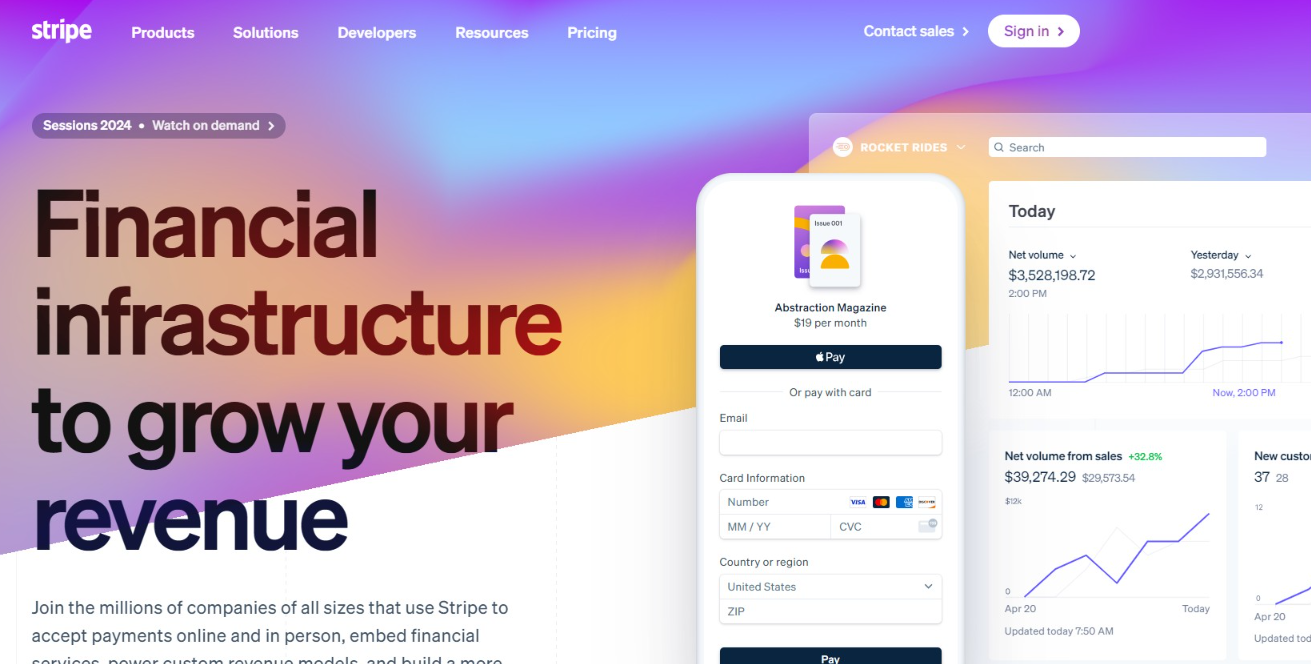
Stripe is a robust payment processing platform designed primarily for online businesses and offers excellent features for any business needing flexible payment solutions.
Pricing: 2.9% + $0.30 per successful card charge for online transactions. For in-person transactions, 2.7% + $0.05. No monthly fee, no setup fee.
Features and Capabilities: Stripe supports various payment methods, including credit cards, debit cards, and digital wallets. Stripe’s powerful API allows developers to integrate payment processing into websites or mobile apps seamlessly. This makes it highly customizable and suitable for businesses with specific needs or those looking to create a tailored customer payment experience. Stripe is designed to scale with your business from startup through enterprise, with global reach supporting payments in 150+ countries. Includes subscription billing, invoicing, and fraud prevention features.
Best For: Online businesses, e-commerce stores, SaaS companies, subscription-based businesses, and any business requiring advanced API integration.
Advantages: Industry-leading API documentation, extensive integrations with popular platforms, powerful features for subscriptions and invoicing, global reach with multi-currency support, strong fraud prevention, 1-3 day payout schedule.
Disadvantages: Requires more technical setup than some alternatives if you have a custom website. Email and chat support only (no phone support for standard tiers). Can be overkill for very simple needs.
2. Square
Square is popular for small businesses, particularly those with physical locations. It offers a range of hardware options for in-person payments and serves as an all-in-one solution combining payment processing with inventory management and sales reporting.
Pricing: For in-person transactions: 2.6% + $0.15. For online transactions: 3.3% + $0.30. No monthly fee for basic service.
Features and Capabilities: Square includes POS software (free), inventory management, staff management, customer database, sales reporting, and customer support via phone and email. Setup is simple—download the app and start accepting payments. Square Reader works with any smartphone or tablet.
Best For: Retail stores, restaurants, salons, food trucks, service businesses, or any small business with in-person transactions.
Advantages: Simple setup and user-friendly interface, excellent POS hardware options, included inventory management and staff management, phone support available, lower in-person fees (2.6% + $0.15) compared to some competitors, no technical knowledge required.
Disadvantages: Limited customization for advanced use cases. Online fees are higher (3.3% + $0.30) than Stripe. Smaller ecosystem for integrations compared to Stripe. Limited international support.
3. PayPal
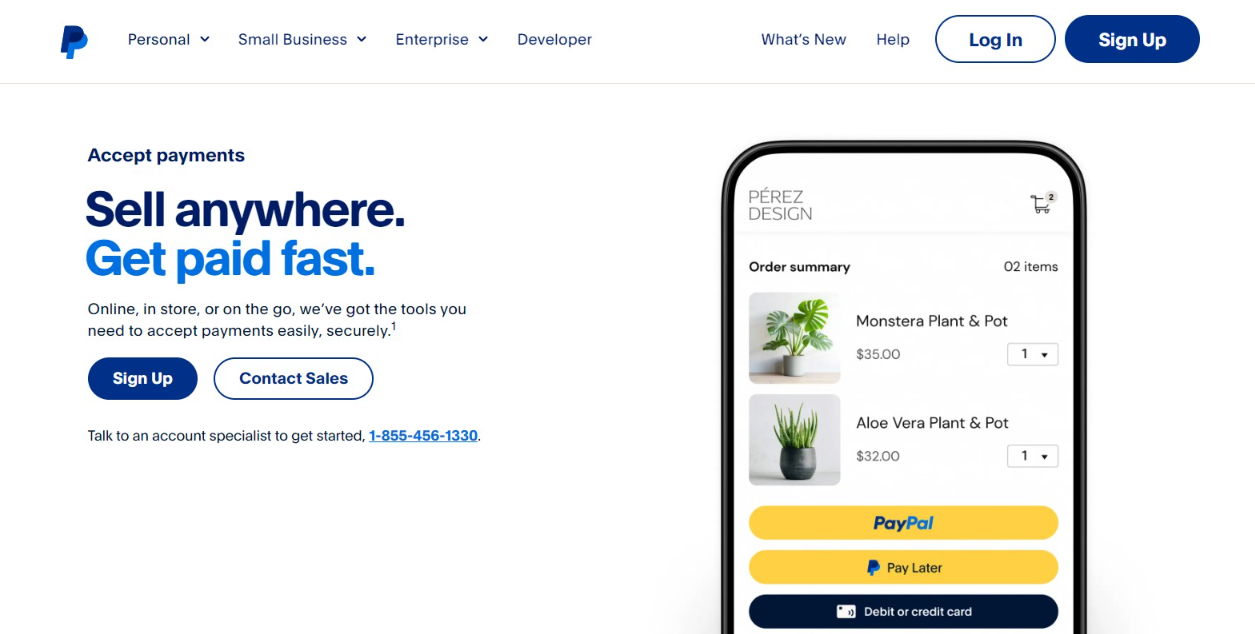
PayPal is a widely recognized payment processor supporting online and in-person transactions. Known for its ease of use and widespread acceptance, PayPal allows businesses to accept payments through various methods, including credit cards, debit cards, and PayPal balances.
Pricing: 2.99% + $0.49 per transaction for standard rates. PayPal offers different pricing tiers based on business type. No monthly fee for basic service.
Features and Capabilities: PayPal provides both personal and business accounts. Business accounts come with additional features such as invoicing, recurring billing, and access to PayPal’s merchant services. PayPal is trusted globally and offers multi-currency support.
Best For: Online businesses, invoicing-based businesses, or businesses wanting a trusted payment option that customers recognize globally.
Advantages: Widely recognized brand trusted by customers, versatility (online and in-person options), multi-currency support, trusted globally, invoicing and recurring billing built-in, relatively easy setup.
Disadvantages: Higher transaction fees compared to some competitors (2.99% + $0.49 standard rate). Known for occasionally placing holds on funds or freezing accounts under certain circumstances. Less advanced API than Stripe.
4. FreshBooks
FreshBooks is cloud-based accounting software that includes payment processing, invoicing, and expense tracking. It is designed to help small businesses manage their finances and streamline their accounting processes.
Pricing: Monthly fee starts at $19. Transaction fees are 3.5% + $0.30 for credit cards.
Features and Capabilities: FreshBooks combines payment processing with invoicing, expense tracking, financial reporting, and accounting automation. Payments received through invoices automatically reconcile in your accounting records. Good for service businesses, consultants, freelancers, and agencies.
Best For: Service businesses, consultants, freelancers, agencies, and businesses that invoice customers for services.
Advantages: Integrated accounting and invoicing with payments, user-friendly interface for non-accountants, automatic reconciliation when customers pay invoices, professional invoicing features, good for managing multiple clients.
Disadvantages: Monthly fees ($19+) add to total cost. Transaction fees are higher (3.5% + $0.30). Primary focus is accounting, so payment processing features may not be as robust as dedicated processors. Best suited for invoiced revenue, not e-commerce.
5. HoneyBook
HoneyBook is a client management platform with payment processing, project management, and invoicing tools. It is designed to help small businesses and freelancers manage client relationships and streamline operations.
Pricing: Monthly fee starting at $36 (monthly billing) or $29 (annual billing). Transaction fees are 2.9% + $0.25.
Features and Capabilities: Combines project management, invoicing, contracts, client portals, and payment processing. Good for service-based businesses managing multiple client projects. Includes customizable templates and workflow automation.
Best For: Freelancers, creative professionals, service businesses with project-based work, and businesses managing multiple client projects.
Advantages: All-in-one platform for client management and payments, project management features included, professional client portal, good for managing multiple projects and clients, lower per-transaction fees (2.9% + $0.25).
Disadvantages: Higher monthly fee ($36-49) compared to some alternatives. Combines many features which may be overkill for simple needs. Has a learning curve for full feature utilization.
6. Melio
Melio is designed to manage payments and cash flow for small businesses, mainly focusing on B2B payments. It offers a simple platform for making and receiving payments.
Pricing: Free ACH transfers (base plan) or $0.50 per transfer (higher plans). Credit card payments to vendors cost 2.9%. No monthly fee for basic plan.
Features and Capabilities: Melio specializes in B2B payments, making it ideal for sending payments to vendors, contractors, and suppliers. Free ACH transfers make this exceptionally cost-effective for business-to-business transactions. Integrates with QuickBooks for accounting automation.
Best For: B2B service businesses, businesses paying contractors/vendors regularly, and businesses wanting to minimize vendor payment costs.
Advantages: Free ACH transfers dramatically reduce costs for vendor payments (vs. 2.9% + $0.30 for credit cards), focus on B2B needs, integrates with QuickBooks, simple to use, effective rate is far lower for ACH than card payments.
Disadvantages: Not ideal for customer-facing payment acceptance. Limited to B2B use cases. Doesn’t include advanced features for customer checkout optimization.
7. Amazon Pay for Business
Amazon Pay allows customers to use their Amazon accounts to make purchases on other websites, providing a familiar and trusted checkout experience for customers already using Amazon.
Pricing: 2.9% + $0.30 per transaction for domestic payments. No monthly fee or setup fee.
Features and Capabilities: Customers use their Amazon account credentials to checkout, which can reduce friction in the payment process for customers familiar with Amazon. Customers don’t need to re-enter payment or shipping information. Provides robust fraud protection.
Best For: Online businesses selling physical products, businesses wanting to leverage Amazon’s trusted brand and one-click checkout experience.
Advantages: Trusted brand recognition (Amazon), reduces customer friction during checkout, robust fraud protection, customers’ payment and address info pre-populated, potential to increase conversion rates among Amazon users.
Disadvantages: Only works for customers with Amazon accounts (limiting audience). Fewer advanced features than dedicated processors. Doesn’t include subscription billing or invoicing. Better as a secondary payment option rather than primary processor.
8. Venmo for Business

Venmo for Business allows small businesses to accept payments via the popular Venmo app, making transactions easy for the growing number of users on the platform.
Pricing: 1.9% + $0.10 per transaction for standard payments. 2.29% + $0.09 for contactless/Tap to Pay payments. No monthly fee.
Features and Capabilities: Particularly popular among millennials and younger demographics already familiar with the Venmo platform. Payments linked to business profile can build visibility. Simple to set up and use.
Best For: Businesses serving younger demographics, small services (tutoring, fitness, coaching), or businesses where personal/casual payment method is appropriate.
Advantages: Low transaction fees (1.9% + $0.10), social integration can increase visibility, popular with younger customers, simple setup, no monthly fees.
Disadvantages: Often perceived as less professional than other payment processors, limiting for B2B use. Better for casual transactions than business payments. Limited advanced features.
Tips for Choosing the Right Payment Processor
With a grasp of the top payment processing providers, the subsequent step is selecting the one best suited for your business. But how do you make this crucial decision? It all boils down to assessing your business needs, comparing pricing models, and prioritizing customer support.
Assessing Your Business Needs
The initial step in choosing the right payment processor involves assessing your business needs. Consider factors such as your transaction volume and average transaction size. For businesses with low transaction volumes, a pay-as-you-go model might be the preferred option due to its simpler pricing models and faster onboarding. Conversely, high-volume businesses may find processors with lower transaction fees more beneficial.
The average transaction size also plays a significant role in selecting a payment processor. It affects the fees and pricing structure provided by the processor. Furthermore, the nature of the products or services sold may also impact the choice of a payment processor.
Understanding your business needs is critical to making an informed decision. By identifying your specific requirements and aligning them with the offerings of different payment processors, you can significantly narrow down your options and make a choice that best suits your business.
Comparing Pricing Models
Subsequently, it is crucial to compare the pricing models of various payment processors. There are three common types: interchange-plus, flat-rate, and tiered pricing. Interchange-plus pricing comprises two elements: the interchange fee established by the card network and the markup determined by the credit card processor. This model is typically more cost-effective than other pricing models like tiered or enhanced recovery reduction (ERR).
On the other hand, tiered pricing is a model merchant service providers use to categorize similar credit and debit card transactions into different tiers. The rate for each tier and the transactions that qualify for each tier are determined by the providers. Understanding these pricing models lets you determine the most cost-effective for your business.
Prioritizing Customer Support
Finally, considering the quality of customer support is crucial when selecting a payment processor. In a technical glitch or a transaction dispute, having a responsive and accessible customer support team can make a world of difference. Consequently, selecting a payment processor that offers round-the-clock support through various channels, such as phone, email, and social media, is crucial.
Customer support is not just about resolving issues; it’s about enhancing the overall customer experience. Effective customer support can:
- Save time and money
- Enable a heightened focus on business operations
- Enhance the credibility and reputation of the business through faster and more secure transactions
Summary
Choosing the right payment processor is a critical step in the growth and success of your small business. By understanding the intricacies of payment processing, evaluating costs and fees, and comparing the offerings of top providers, you can make an informed decision that aligns with your business goals. Remember, the right payment processor is a service provider and a partner in your success. So, take the time to make this strategic decision and pave the way for a seamless payment experience for your customers.