Sometimes you look at a website design and just know that it doesn’t work. You can’t really tell how you imagined it in your head, but you know for sure that the website look that your designer shows to you is not it. In fact, it’s really far from what you wanted it to be. But how can you explain it to your web designer?
Giving good feedback for a website is one of the most challenging tasks out there. Its almost impossible not to be subjective. But before you call your designer and tell them that “something doesn’t work,” let us help you give feedback that gets you the right results.
Many people try to communicate their thoughts using annotated screenshots, color coded spreadsheets, or Slack messages, but these methods can often lead to confusion or disorganization if not managed properly. That’s why clear communication is essential in the web design feedback process to ensure everyone stays aligned and feedback is understood.
We’ll cover some tips and tricks, along with feedback on website design examples and even a web design feedback form that will come in handy.
Introduction to Effective Feedback
Effective feedback is the backbone of successful web design projects. When clients, designers, and developers communicate clearly and constructively, good web design becomes a key factor in project success by establishing credibility, user trust, and a positive first impression. The web design feedback process becomes a powerful tool for turning ideas into reality. A well-structured feedback process ensures that the final product not only looks great but also serves the needs of the target audience. By sharing thoughtful web design feedback at each stage, everyone involved in the project can stay aligned with the client’s vision and business goals. Ultimately, effective feedback helps create a website that is both visually appealing and highly functional, with good web design feedback characterized by clear, actionable, and context-rich input that guides the team toward the best results.
Understanding the Web Design Feedback Process
The design feedback process is a vital part of any web design project (and the broader web project lifecycle, including planning, execution, and quality assurance). It’s a collaborative journey that involves project managers, designers, developers, and clients working together to refine and perfect the website. Typically, the process begins with the design team presenting initial design mockups. These mockups are shared with clients and stakeholders, who then provide client feedback based on their needs and expectations. Team members review this feedback, discuss possible improvements, and make necessary adjustments to the design. This cycle of sharing, reviewing, and refining supports ongoing design work, allowing for continuous improvement through effective feedback until the final product is ready for approval. By understanding and respecting each step of the design feedback process, everyone can contribute to a website that truly reflects the client’s requirements and delivers a great user experience.
5 Tips on Giving Good Feedback for a Website
Before diving in, it’s important to understand the steps involved in giving effective web design feedback. This will help you provide clear, actionable input as you move through each stage of the process, including the ability to report issues effectively to ensure that any problems are documented and addressed promptly.
1. Keep your audience in mind
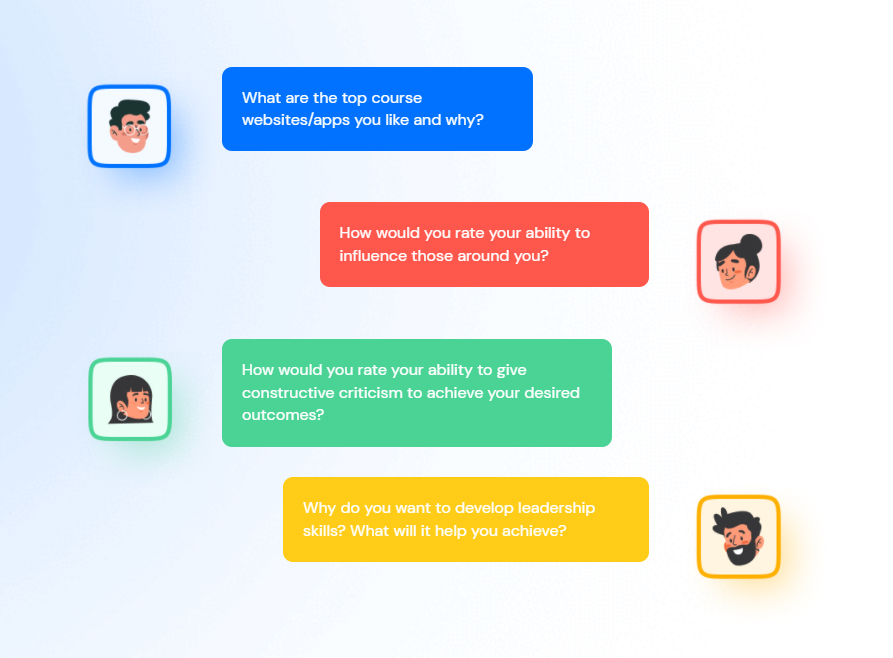
Before sharing your feedback with your web designers, stop for a second and understand your website from the perspective of a visitor. When you think about their personality, background and goals, the type of website you need will become easier to visualize and understand. So maybe you find the website design not exactly your cup of tea, but it actually works pretty well with your target audience.
For instance, this could be the case if you’re designing a website whose main visitors are from a different generation than yourself. You might be in your twenties thinking the best web design is all about following trends and using unique, abstract solutions like parallax scrolling, while your audience in their 40s just don’t care and would prefer a more minimalistic, straightforward design to navigate through. Different color palettes can also influence how various generations perceive your website, as certain colors may resonate more with specific age groups or cultural backgrounds.
That’s why you should know your audience really well and put yourself in their shoes when looking at your web design. Create buyer personas and then ask yourself: would they love this? Why or why not?
To take it even further, try to ask your users directly what they think of the web design. Conducting user testing and usability testing with end users can provide valuable insights into how the user experience design performs in real-world scenarios and help ensure it meets their needs and expectations. There are many ways you can ask your visitors to share their opinion. Here are some feedback on website design examples you can get from your audience:
Pop-up surveys
The pop-up survey could appear right in the middle of your visitor’s screen, making them choose either to fill it in or to close the window before they can move on to your website content.
But don’t cross the line with the questions in the pop-up surveys, as you may end up annoying your customers and pushing them away. Instead, limit your questions to the essential ones and make them multiple choice questions so that the visitor can quickly choose the answer. Remember, no one wants to spend more than a minute on a pop-up survey.
On-page surveys
The on-page surveys are tiny forms usually on the bottom of your page that slide up like chatbots. Compared to pop-up surveys, these are better solutions in terms of UX, as they do not interrupt your visitor’s experience on your website.
In these surveys, you can ask open-ended or multiple-choice questions and decide the number of seconds it takes until the survey appears to your visitors after the page is fully loaded.
Feedback widgets
Finally, you can go with a feedback widget. It is a button that your user can click, rate their overall experience, and sometimes also answer an open-ended question that will help the company improve their user experience.
No matter which method you choose, getting feedback directly from your audience will help you give a more objective review of the website design for your design team and show what the actual users like or dislike. This way, you will put your personal preferences aside and talk with facts.
2. Try to add value with your feedback
Providing helpful web design feedback is more important than you might think. A Stanford University study found out that 75% of the users have admitted that they judge the company’s credibility based on its website’s design and UX. And the worst part is, it does not take too long for your users to form an opinion about your website’s design! According to the studies, it takes less than two seconds for a typical user to create an impression of the website they’re visiting.
All of this proves one more time that being able to provide your designers with valuable and helpful feedback is crucial. But how exactly do you do that? Not every issue or piece of feedback is a big deal—it’s important to prioritize what matters most to the project.
Well, you should remember that every piece of opinion you’re telling out loud should make sense to your designers and help improve the overall project. Gathering input from all stakeholders helps ensure the design aligns with the client’s vision and follows core design principles. For instance, you might want to ask your design team to “make the brand logo bigger.” Well, of course, this could be an example of an efficient piece of feedback in some cases. However, what if making your logo too big might take your visitors’ attention from an important CTA and decrease the conversion rate?
Or you might want to squeeze a couple of visuals into the page, but it might end up cluttering your website and leaving no space to breathe. So as we’ve mentioned, ask yourself: if I add this graphic visual I really love will it impress my visitors or shift their focus from the core message?
3. Try to avoid vague phrases
Here are some examples of vague feedback statements. These are considered vague comments because they lack specific details, making it difficult for designers and developers to understand what needs to be improved. Providing contextual feedback—feedback that is directly linked to specific design elements, such as screenshots or live website sections—can help avoid misunderstandings by making it clear exactly what needs attention. Vague comments can slow down the web design feedback and QA process, leading to misunderstandings and potentially affecting the final quality of the website or application.
“I want it to be a little bluish, and please add more clouds to it.”
Most people have trouble differentiating personal likes from the actual needs of the business. You might love blue and want to add some dreamy clouds to your page, but remember that your visitors might hate it. This said, in the end, there will always be something in the design that reflects your personal taste, and it’s completely fine.
However, make sure your designer knows what you’re looking for before they start the designing process. In the beginning, the two of you can make a design brief that both of you have agreed on, which will help avoid misunderstandings later on. Just mention in the brief that you want your website to be a little bluish and have a romantic sense to it with lots of fluffy clouds, and you won’t be disappointed! Also, specifying your preferred color palettes in the design brief will help ensure consistent branding throughout your website.
“Can you make this pop?”
This one is among the most potentially confusing comments for designers. There are many ways of interpreting this message. And you can have all types of vague adjectives here: can you make it more modern, fun, exciting, cool etc.
Well, the thing is that while it might make sense to you what you mean by saying “pop”, the definition to your designer may be drastically different.
To fix it, try to find and show your designers some of the existing website examples that you like. For instance, if you’re working on a gaming page, you might have some good examples of gaming websites that are clearly superior, so share them with your design team! It will serve as a reference for your web design and help them understand better what you want.
“…”
Finally, not saying anything at all is worse than saying, “can we make it pop?”. Complete silence can be more dangerous than all of the comments mentioned above. At least, this way, your designers get a sense of what’s going on in your mind, whereas with no feedback, it can very quickly go off the rails from your original desired web design.
Even if you think that your comments might hurt the designer’s feelings, trust us – its a necessary evil. From our own perspective, we would much rather go through further iterations and stay on the same page, than let the project go on far longer than it needs to with both parties unhappy with the final result.
There are always polite ways of telling even the toughest feedback. Try using the sandwich approach, where you start by mentioning the good sides of the project, explain the weak parts in the middle, and then finish on a high note.
If you approach the design feedback seriously, you will get rid of the ambiguous phrasing and learn how to get straight to the issue.
4. Open a discussion
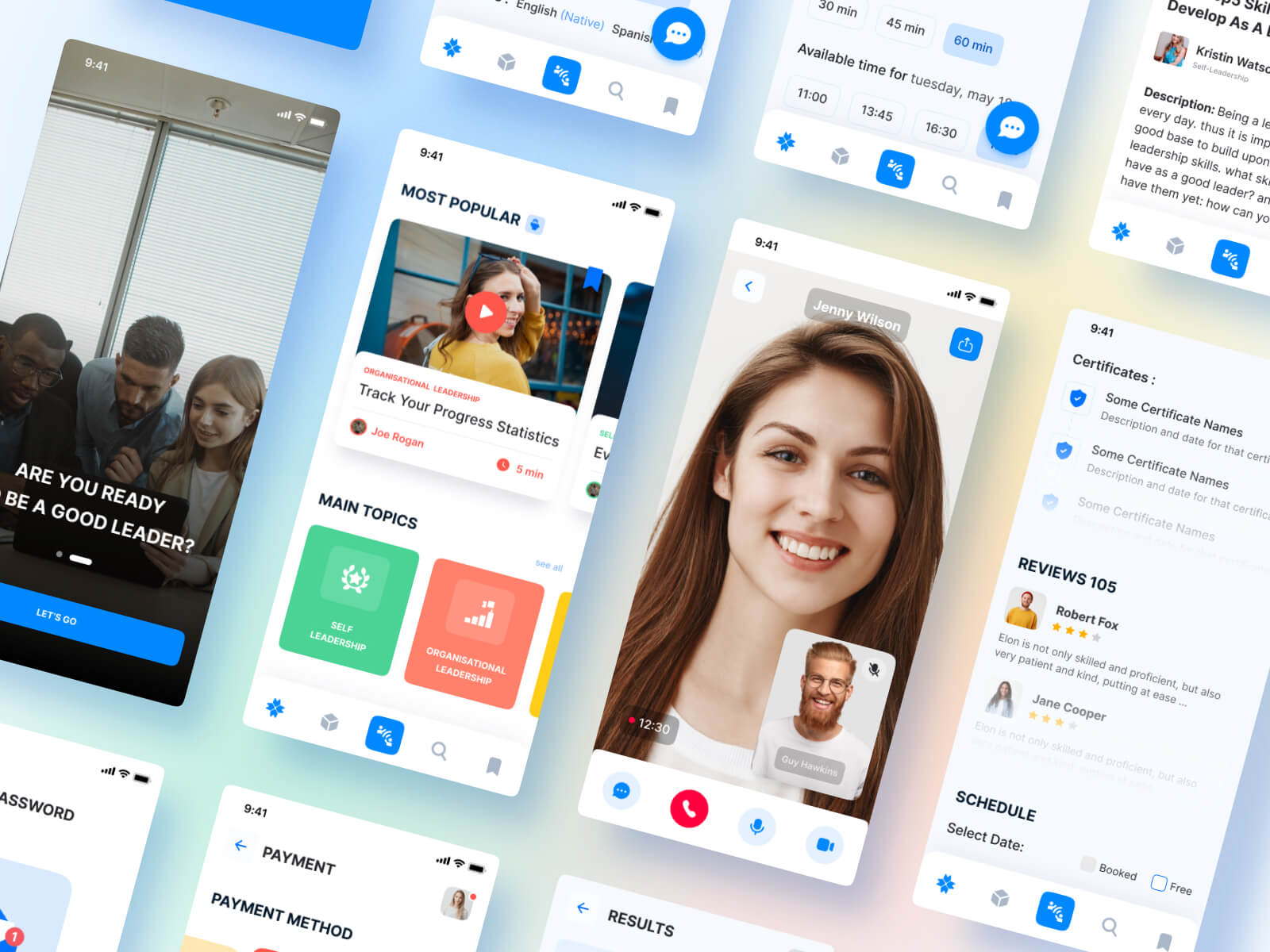
Good feedback for a website is never a one-sided opinion. A design review is an opportunity for open discussion and collaborative evaluation of the design. Most of the time, it is an open discussion between the web designer and the owner. This is why instead of asking your designer to change something you don’t like, try to ask them why they chose the specific solution. After all, they know everything about UI and UX design, so maybe they can explain to you why their version works better and actually convince you to keep it.
Here’s an example. Instead of telling your designers, “The shoe menu should be on the top,” try saying, “In other websites, I usually find the shoe menu on the top of the page. Is there any reason you chose to place it on the left section?”
And trust us, your designer might have some valid reasons to put the shoe menu on the left. After all, he probably has worked on eCommerce web design for years and understands well what works and what doesn’t. [Working with a professional web design agency can further facilitate these discussions](https://passionates.com/web-design-agency-vs-freelancer/), helping to coordinate feedback and ensure a high-quality website through their expertise.
So if you ask questions instead of giving direct comments, you’ll open a dialogue between you and the design team, turning it all into effective teamwork.
5. Trust the process
We know we covered a lot here, and with all of this in mind, you might be too overwhelmed. But our last piece of advice is not to overthink it. You have chosen your designers, so you have to maintain trust and respect towards them and believe that they will solve any issue and get great results.
Trusting the process is one of the key parts of feedback giving and receiving. Of course, the first draft versions may be too far from the final one, which is completely fine. The design process takes a lot of time and effort, so be a little patient about it. Meanwhile, all you have to do is stay clear and honest with the design team, explain what works for you and what doesn’t, and hear their opinion on it.
making the entire process more efficient and productive.
Streamlining the Feedback Loop
To keep web design projects on track, it’s crucial to streamline the feedback loop. Using collaborative tools like Figma for design annotations, ClickUp for task management, and Slack for real-time communication can make a big difference. At Passionates, we integrate these tools seamlessly into our workflow, ensuring every piece of feedback is captured, organized, and actioned within 1-3 working days. Asynchronous communication is another key factor, enabling clients and designers to review and respond to feedback at their own pace, without the need for constant meetings. By leveraging the right feedback tool and encouraging clear, contextualized feedback, teams can reduce administrative tasks, avoid miscommunication, and ensure that every piece of feedback is tracked and addressed. This approach not only speeds up the design process but also leads to a higher-quality final product.
Client Feedback: Gathering and Interpreting Insights
Client feedback is at the heart of every successful web design project. Gathering and interpreting these insights is essential for creating a website that truly resonates with the target audience. To make the most of client feedback, it’s important to use a website feedback tool that enables clients to leave comments directly on specific design elements. This targeted approach helps the design team understand exactly what works and what needs improvement. When clients provide clear, actionable feedback, designers can quickly identify patterns and trends, ensuring the website aligns with the client’s vision and business goals. By actively encouraging clients to share their thoughts and suggestions throughout the design process, web design agencies can create a collaborative environment where ideas are valued and improvements are made efficiently. Ultimately, collecting and analyzing client feedback leads to a website that not only looks great but also delivers a seamless user experience for the intended audience.
Web Design Feedback Example
“Thanks for the website design draft; I think you’ve done hard work and achieved beautiful results!
However, I would like to single out a couple of things that do not seem to resonate with me. I think the chosen font is too simple for our eCommerce. You know we’re creating a shop where people can buy exclusive prints from the top photographers in the world, so I think that these people would love to see a more interesting typographical solution.
For instance, I think space posters’ website uses a really interesting font, and I would love to see something similar for our page. Still, I’m not sure whether it would be the right choice: what do you think? Will this confuse our audience and make it harder for them to read the text? Was there a specific reason you chose the current font? Please let me know your opinion on this topic, and we can come to a mutual agreement.
And with the colors, I would also like to keep it simple, nothing too colorful, I think. I have skimmed through some websites of our competitors and noticed that they all hold a simple palette; most of the time, they even choose to stay in black and white.
That said, I really like the website navigation and visuals in it; it’s exactly how I imagined it to be. Thank you!
Let me know when you have some time to chat about it, and we can organize a meeting! “
Providing detailed comments like those in the example above helps designers clearly understand your thoughts and act on your feedback.
We hope this example and our tips help you phrase your feedback better! Let us know how it all went! Keeping a feedback record of your communications can also be valuable for tracking decisions and referencing them in future project stages.
Increase brand awareness, build trust and drive conversions.
A professional website custom-made for your business increases your customer trust and helps you build a better connection. And once that is done, you can expect improved purchase rates, customer loyalty and brand awareness. If you’re considering how to build your website, learn more about choosing between WordPress CMS and custom development for your business.
Ready to work with a design team that makes feedback effortless? Our subscription model includes unlimited revisions, dedicated project management, and 1-3 day turnaround times. Book a consultation to see how we eliminate feedback frustration.
Book an online consultation